
What is Mochi?
Mochi finds everything you can run in your projects, gives you one place to run it, and remembers what happened.
Why Mochi
Every repo says how to build, test and run it, in its own way: a Makefile here, npm scripts there, a Justfile, a scripts/ folder, a README section you have to scroll for. Across a dozen projects, nobody remembers it all. So you end up searching shell history for the command that worked last time.
Coding agents run commands for you too, and they make this harder. They run a lot of commands, quickly. Their transcript is gone when the session ends. Then something breaks, and you can't tell what ran, where, or why it failed.
Mochi gives all of that one home.
What it does
Your existing tasks, ready to run.
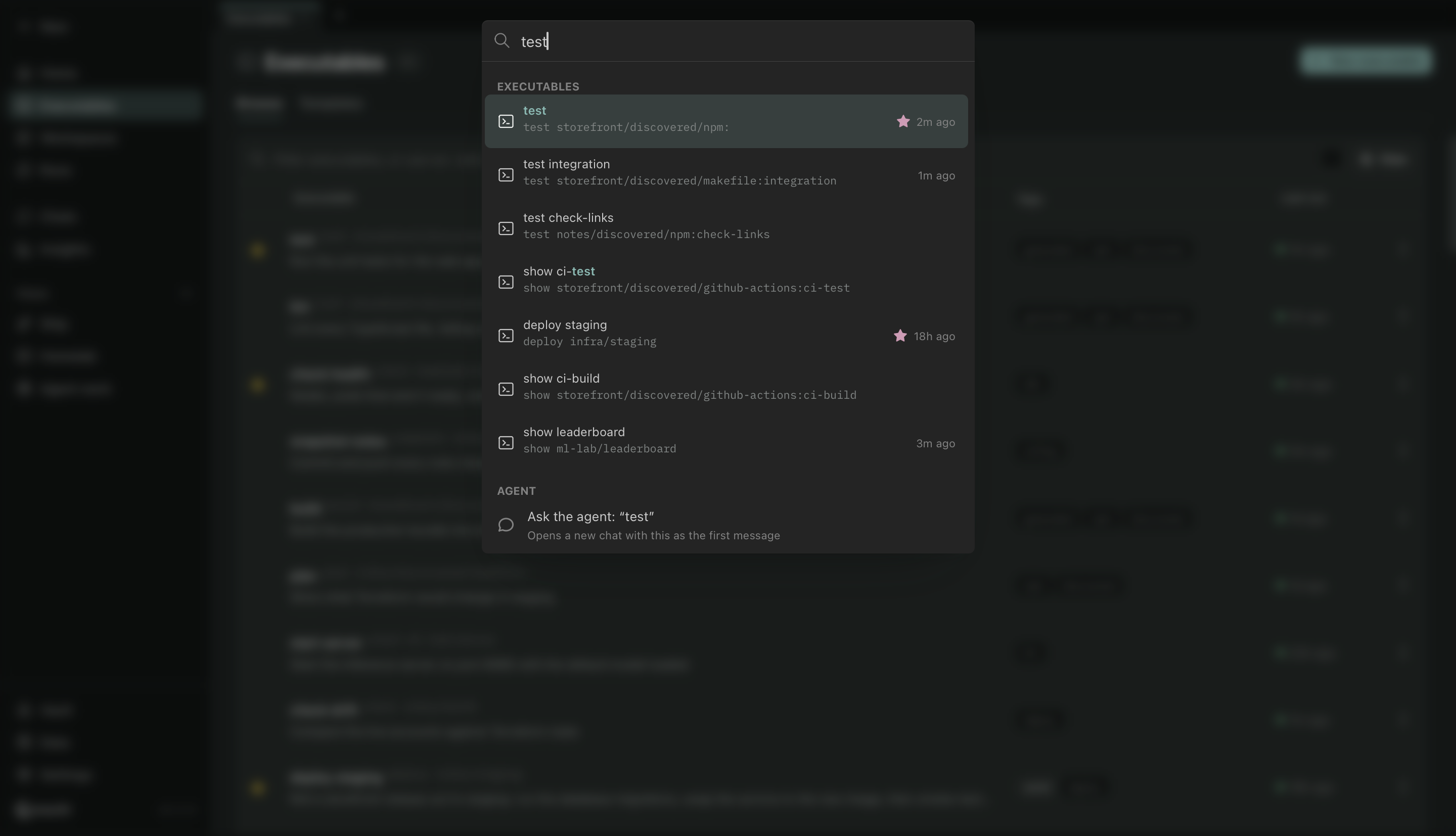
Point Mochi at a folder or a Git repo. It reads the Makefiles, npm scripts, Justfiles, Taskfiles, Compose files and scripts already there and lists every task in one searchable place. Nothing to port, and nothing written into your repo. Finding tasks →
A desktop app and a CLI that agree.
Run from a native desktop app with a command palette, tabs and live output, or type mochi in a terminal. Both read the same files and share one history. The desktop app →
A record of everything that ran.
Every run is kept, including the ones your coding agents start: what ran, who started it, how long it took, and the full output. When a run fails, Mochi reads the log and tells you why. Run history →
Built for working with agents
Mochi gives Claude Code, Codex, Cursor, OpenCode and any other MCP client a proper way to run your tasks, and keeps you in charge of what they run:
- They see what you see. Agents get your tasks, their descriptions and their history over MCP, instead of guessing commands from a README.
- You decide what they may run. Workspace trust stops an agent from running tasks in a repo you haven't vouched for.
- Nothing they run is lost. Each agent run is recorded next to yours, labeled with the agent and the session that started it.
Local-first
Your commands, logs and secrets stay on your machine. There's no account to create: a trial needs only an email. Usage telemetry is off unless you turn it on, and AI only runs when you use it. Privacy lists what is sent and where.
Built on flow
Mochi is built on flow, an open-source workflow engine by the same author. Every flow command also works as mochi, and if you already use flow, your workspaces, flow files and secrets work in Mochi as they are. flow stays free and open source.
You don't need to know flow to use Mochi. If you want to write your own tasks in YAML, flow explains how.
Start here
- Install Mochi
- Quickstart: from install to your first run in a few minutes
- Plans & Licensing: the trial and what a license includes